

Ang LeTV LEECO 1 Pro X800 USA Bersyon Original ROM 5.5.011S Ikarga, Pag-aayos ng Malware, bootloop, Nawawalang Software Update & Youtube
Ang orihinal na ROM ay may lamang ay inilabas sa pamamagitan ng Leme. I tried to flash my phone with it but it produced an error. So I modified the script in the ROM and then tried to flash the phone and now it is working fine.
My phone dumating na may sirang mga non-up-puwede petsahan YouTube app, broken stock browser, trojans at malware. Also the software update app was missing as well as the link to the software update app in settings.
dati, Ako ay magagawang upang ayusin ang karamihan ng mga problema sa pamamagitan ng rooting ang telepono maliban para sa pagkuha ng software update app pabalik. Please check my previous post for details. This ROM fixes all the problems and gets the Software Update app back. This ROM also has a music app, Yahoo panahon at Google Now. Mii Browser also functions a lot better.
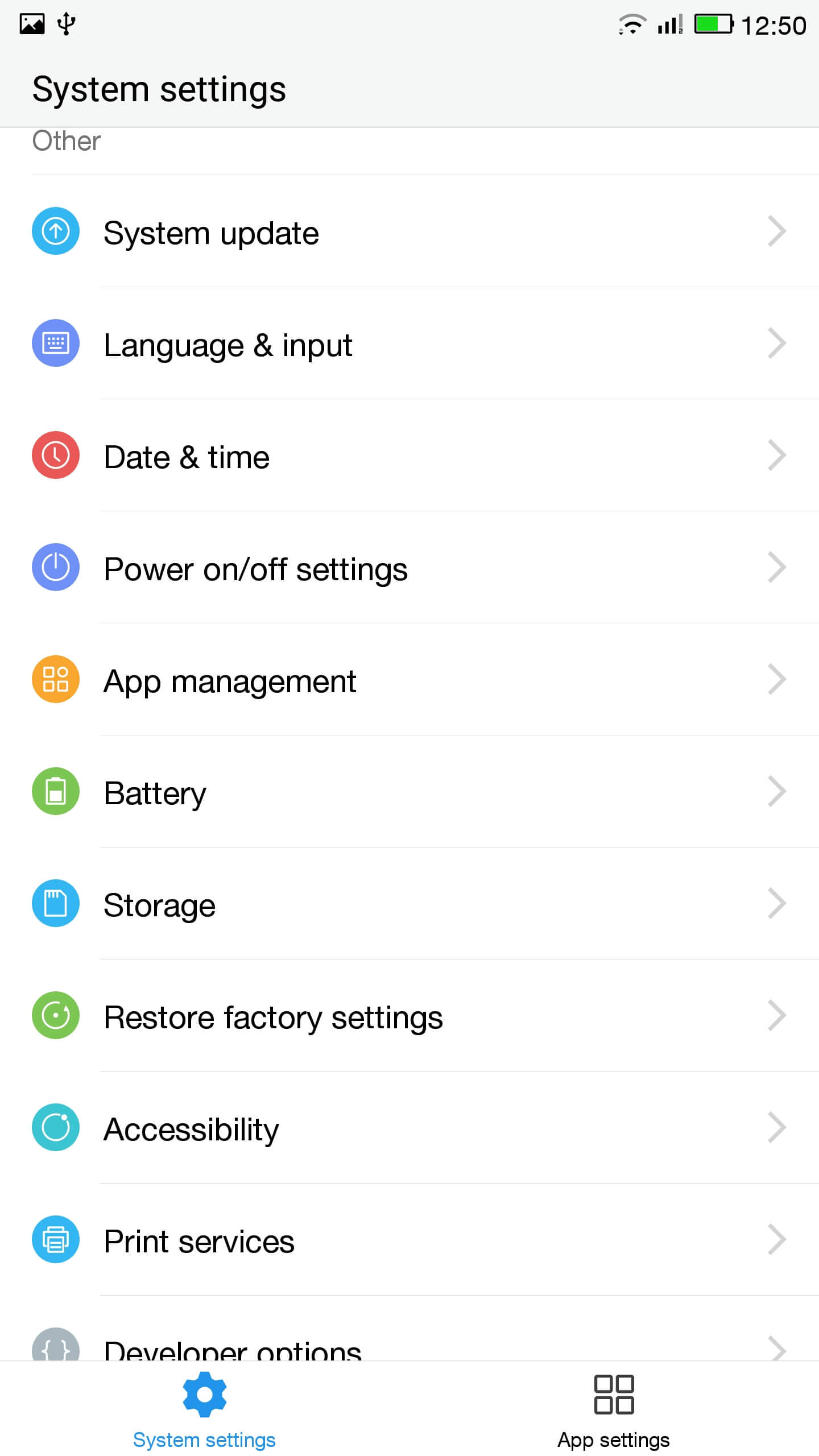
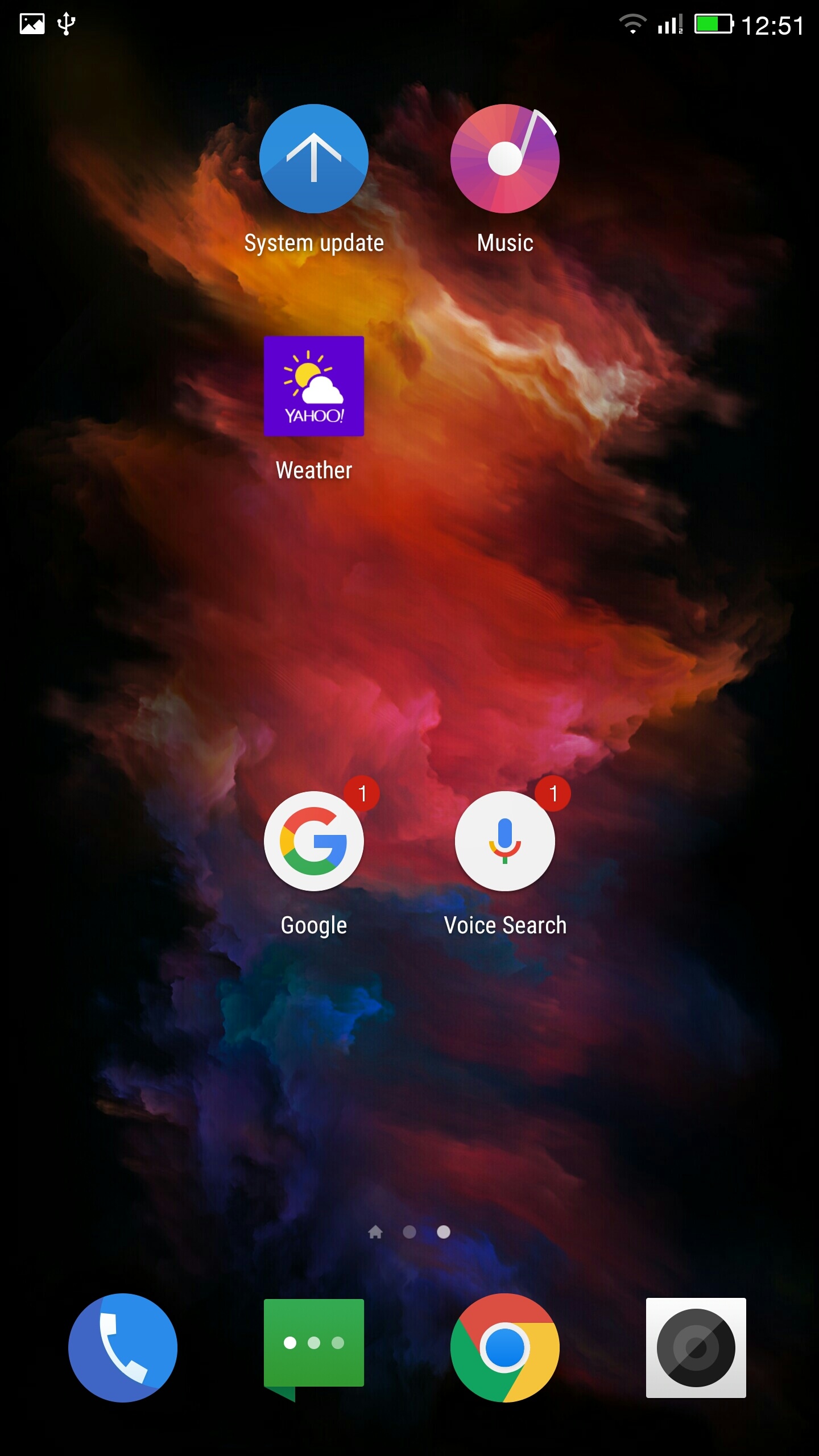
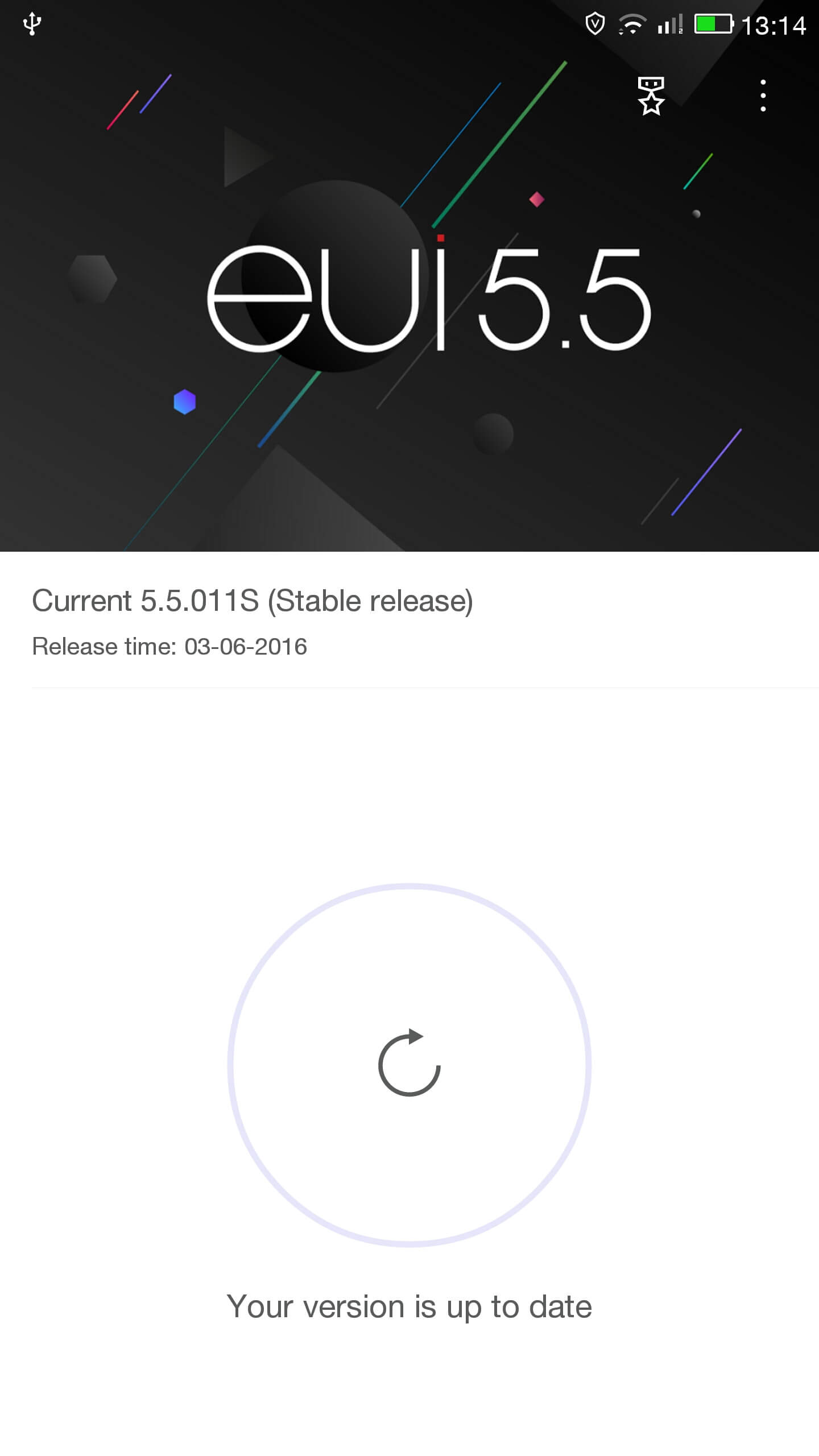
Bago flashing ang telepono gamit ang ROM aking telepono ay may mga ugat at tumatakbo TWRP pagbawi. After flashing with this ROM removed TWRP, install mo ang Eui pagbawi at unrooted ang telepono. Overall the phone functions a lot better than before. The original ROM version is 5.5.011S with android lollipop 5.0.2.
ROM na ito ay para sa US na bersyon ng telepono. If the Build number is BGXNAOP5501103071S, pagkatapos ay mayroon kang ang US version. You can check the build number by going to settings -> Tungkol sa telepono -> bumuo number
Mangyaring tandaan flashing iyong telepono ay ang iyong sariling pananagutan. It may be a good idea to backup your phone before flashing, gamit TWRP o katulad.
Pag-install ng ROM
- I-download ang update.zip
- Kopyahin ang update.zip sa root lokasyon ng iyong imbakan ng telepono
- I-off ang telepono
- Pindutin nang matagal ang up volume key at lumipat sa telepono sa ang pindutan ng kapangyarihan
- Ang telepono ay dapat awtomatikong i-update
Aking telepono ay may mga ugat sa TWRP install at flashed gamit TWRP. So if the above does not work you may have to install TWRP then flash the update from TWRP. Check my previous post on installing TWRP.

What language this rom ?
Can anyone help with this issue. Phone does not turn on. I have flashed several roms in the past and never had this problem. I use qfil and install the original rom no problem but once it is done dowloading in qfil the phone doesn´t reboot like it did in the past. phone screen is always black now
Full Wipe Required ?
Hi Bish Jaishi, can you upload the ROM to Mega (or another Cloud service)? I can’t download from Google Drive due to a very low download speed. Thanks for the support.
Please find the link below for OneDrive:
ROM Download
is the hi fi sound mode works ?
can i update via stock recovery ?
or twrp is must.
vous avez pas un autre lien direct pour telecharger cette ROM car il ne fonctionne pas celui-ci
Kamusta, where get it from the original web site ?
we can see a CN version but not the US
why please ?
whether the play store already installed ?
Play store is already installed on this ROM.
whether this rom safe from viruses ?
and if I can install this rom without TWRP ?
ROM is safe from viruses.
Should be fine to install without TWRP though I have not tested it.
whether this is an official rom from LeTv ?
Can you be more specific about how to install this rom ?
What is this ROM Cuoco92 . . . .
Hi, how if i want flash to eui lastest version? Do you have a link? There’s no system update too in my phone, now my system is eui 5.816 , thanks
will it work on dual-sim variant as well?