

Jinsi ya kudumu kuzima Bana na zoom kipengele katika Synaptics mazingira pedi kugusa juu ya Windows 8 / 8.1 / 10
Mimi ni kwa kutumia HP wivu mbali na kuvinjari mtandao wakati wote. The problem is that the web page keeps zooming whilst I am moving the mouse pointer with the touchpad.
Nimeona kwamba kipengele ni sehemu ya Synaptics programu na kwamba mimi haja ya kwenda jopo kudhibiti na kwenda mazingira ya panya na kugusa pedi. There I click on additional mouse options and select the ClickPad settings tab. Here there is a check-box on Pinch and Zoom which I unchecked.
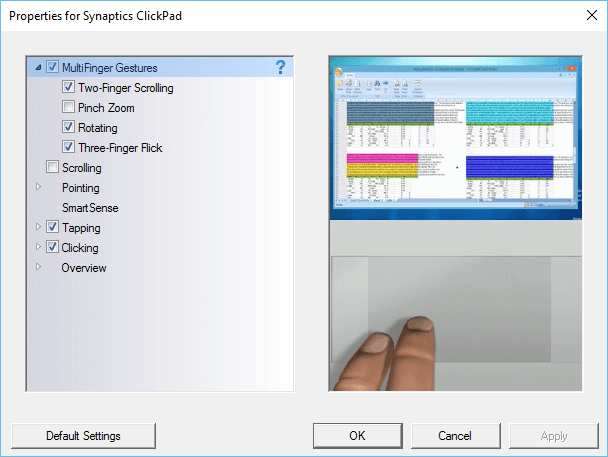
Hatimaye tatizo la mtandao ukurasa wangu ajali zooming amekwenda, mpaka mimi kuanzisha upya kompyuta. The zooming problem still happens on web pages. I check the settings in the control panel and find that the Pinch and Zoom check-box is again checked. This happens all the time, Mimi unchecked sanduku, restart mashine na tatizo bado kuna.
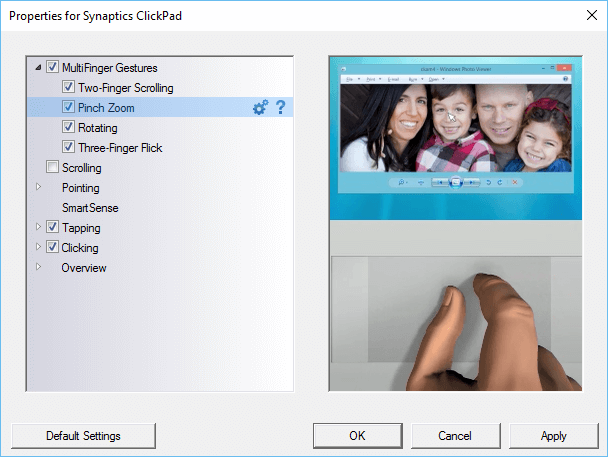
The only way to make sure that the pinch and zoom is permanently turned off is to make a change to the Windows registry.
Katika kutafuta sanduku la Madirisha aina regedit na urambazaji kwa ufunguo zifuatazo:
- HKEY_LOCAL_MACHINE
- Programu
- Synaptics
- SynTp
- Kufunga
- SynTp
- Synaptics
- Programu
Find the key DeleteUserSettingsOnUpgrade. Right click on it and choose modify. Change the value of this key to 0. Click OK and close the Windows register.
Sasa Bana na zoom mazingira itakuwa unchecked hata wakati Windows ni imeweza kuanzisha.
