

Asheshise smartphone sakho kancane futhi laggy android (isib. HTC One, Samsung Galaxy) noma ithebhulethi
After a few months you may find that your once fast smartphone or tablet slows down and gets laggy. My HTC One M7 was the fastest phone when I bought it, where I could launch and browse an app with no frustration. A few months later and even making a phone call became a frustration. I would touch the phone icon on the homescreen and the wait for the dialler was taking longer and longer. This wrting is using the HTC One M7 smartphone but you can also apply the same procedures to any smartphone or tablet.
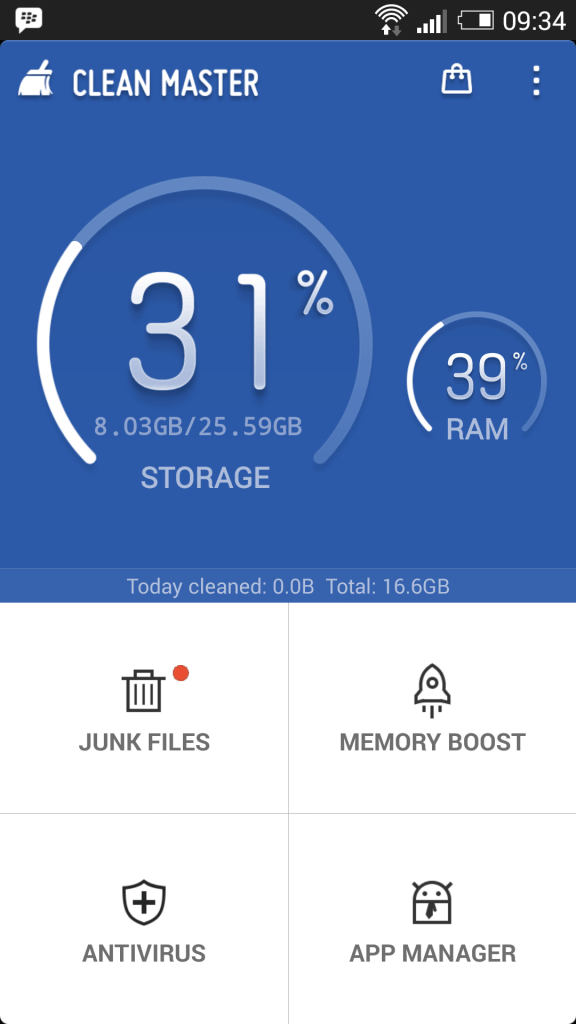
I wabuyela Master Clean eliphezulu ukukhuthaza, okuyinto eyasiza lukhulu kodwa ngathola Kwadingeka ukugijima lokusebenza kanye noma kabili ngesonto.
The main problem I found was the bloatware on the device. Bloatware is apps that has many features and uses the devices resources considerably. So the solution is simple to uninstall all the bloatware, especially the apps that I did not use. The problem is that the most of the bloatware was apps that HTC had preinstalled on the device. These types of apps cannot be removed. So the answer was to disable any preinstalled apps that I did not use. Also to uninstall any bloatware that I did not use.
Thola bese khipha bloatware:
- Iya izilungiselelo
- Iya apps
- Iya ukugijima
- Khipha yimuphi izinhlelo zokusebenza ezisebenzisa alot of RAM
Ngokwesibonelo, the HTC One M7 iza Zoodles (Mode Kid), which is an app for kids. It used run in the background when I switched on the phone even though I was not using it at all. Another is the web browser. The HTC One M7 comes with Google Chrome and the Android Stock Browser. I never used the Android Stock Browser as Google Chrome is a pretty good browser on the HTC One M7. The android stock browser again runs on startup and cannot be uninstalled. The following shows the steps on where to disable the apps which you cannot uninstall.
Nazi izinyathelo zendlela ukukhubaza izinhlelo zokusebenza ukuthi alikwazi ukukhishwa:
- Iya izilungiselelo
- Iya apps
- Swayipha ukuya bonke isigaba

- Thinta lokusebenza ukuthi ungase ngeke ukhiphe
- Ukhethe ukukhubaza

List of zokusebenza ukuthi I kukhutshaziwe njengoba ngase cha ukuzisebenzisa:
Izinhlelo zokusebenza abakhubazekile owenza usizo ukusebenza:
- Movies Google Play & TV
- Google Play Music
- HTC Power Ukupha
- Internet
- Mode Kid
- LinkedIn for HTC Sense
- TalkBack
- Amathiphu & Usize
Ezinye izinhlelo zokusebenza ukuthi mina zivimbelwe:
- Live Wallpapers Android
- Auto Phendukisela Widget
- Ukuvumelanisa auto widget
- Ukwakha amaphupho Basic
- Bluetooth widget
- Bubbles Livewallpaper
- Calculator Widget
- Ikhalenda widget
- Cloud Print
- Data Ideshibhodi widget
- Data widget uzulazula
- Face Unlock
- FM Radio Widget
- Uqalise
- Google Text-to-enkulumweni injini
- GPS widget
- Holo Spiral Live wallpaper
- Internet
- KeyVPN
- KeyVPNService
- Mobile idatha widget
- Music kufundza Live wallpaper
- Music widget
- Abantu Widget
- Phase Beam Live wallpaper
- Widget Profile
- Widget Iringithoni
- Screen ukukhanya widget
- Screen siphelelwe yisikhathi widget
- Vumelanisa konke widget
- Transfer
- WiFi Hotspot widget
- WiFi widget
- Wefonti Japanese
The Result
I found there is definately a performance boost for my phone. The performance is now the same as when the phone was brand new. I only have the apps that I need on the phone, which must be more than 50 apps but the performance is very good. The battery life has increased drastically and now the phone easily lasts the whole day.
