Unhide Extension Toolbar Button in UC Browser
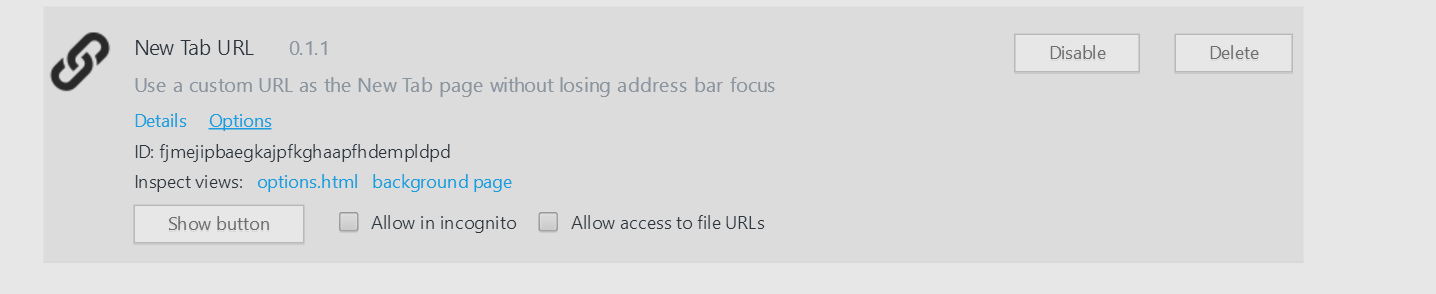
To unhide the extension toolbar button in UC Browser follow the steps:
- Go to extensions
- Right click an existing toolbar extension button and choose manage extension
- Click the profile pic in the top left corner and choose extensions
- Check the developer check-box

- Click show button