

Como desactivar permanentemente o recurso pitada e zoom na configuración do touch pad Synaptics en Windows 8 / 8.1 / 10
Eu estou usando un portátil HP envexa e navegar pola web o tempo. The problem is that the web page keeps zooming whilst I am moving the mouse pointer with the touchpad.
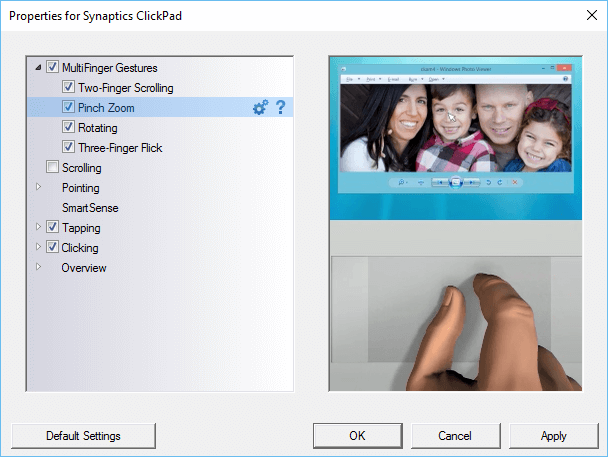
Eu descubrín que o recurso é parte do programa Synaptics e que eu teño para ir ao panel de control e vaia a configuración do rato e do touch pad. There I click on additional mouse options and select the ClickPad settings tab. Here there is a check-box on Pinch and Zoom which I unchecked.
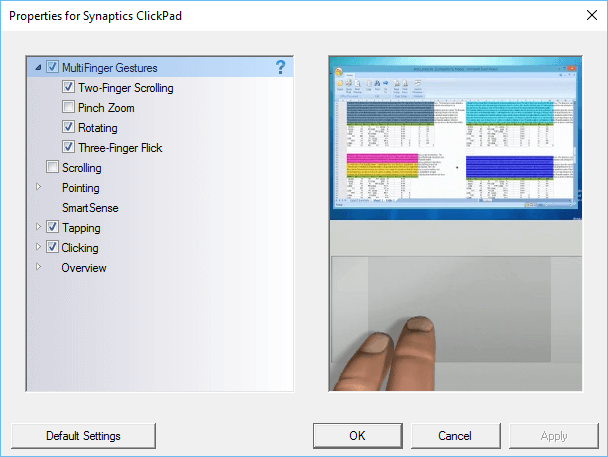
Finalmente o problema da miña páxina web accidentalmente pasou zumbido, ata eu reiniciar o ordenador. The zooming problem still happens on web pages. I check the settings in the control panel and find that the Pinch and Zoom check-box is again checked. This happens all the time, Eu desmarcada a caixa, reinicie a máquina e que o problema aínda está alí.
The only way to make sure that the pinch and zoom is permanently turned off is to make a change to the Windows registry.
No cadro de busca de Windows escriba regedit e navegación para a seguinte clave:
- HKEY_LOCAL_MACHINE
- Software
- Synaptics
- SynTp
- Instalar
- SynTp
- Synaptics
- Software
Find the key DeleteUserSettingsOnUpgrade. Right click on it and choose modify. Change the value of this key to 0. Click OK and close the Windows register.
Agora a configuración pitada e zoom será desmarcada mesmo cando Windows é reiniciar.
