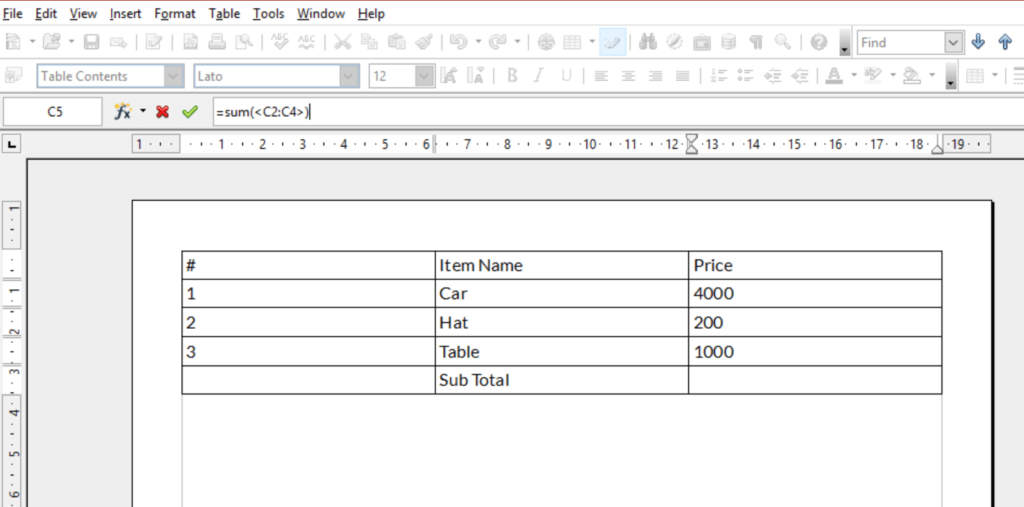
วิธีการแก้ไขฟังก์ชั่นในตารางในเอกสาร Writer OpenOffice?
OpenOffice Writer มีเคล็ดลับเรียบร้อยของการใช้สูตรในตารางสามัญ.
พิมพ์ดีด = ในเซลล์ใด ๆ ในตารางนำขึ้นแถบเครื่องมือสูตรและคุณสามารถพิมพ์สูตรสูตรในลักษณะที่คล้ายกันเป็นคุณจะทำอย่างไรในโปรแกรมสเปรดชีต.
เมื่อคุณมีสูตรในเซลล์, you may want to edit the formula.
To edit a formula click in the cell with the formula you would like to edit and press F2, this will bring up the Formula toolbar when you can edit the formula.