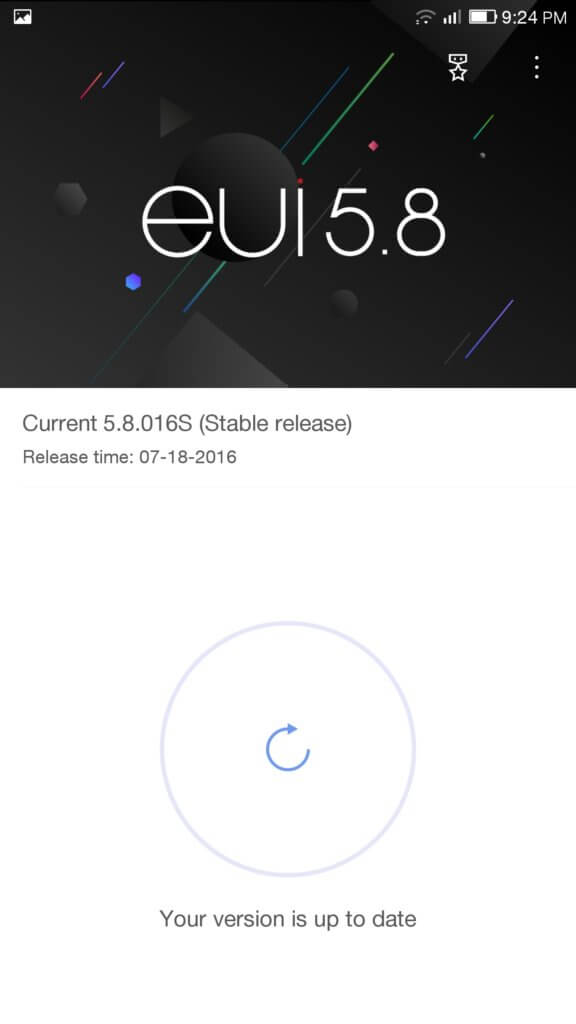
LeEco ਲੇ ਮੈਕਸ 2 X829 ਅਮਰੀਕਾ ਵਰਜਨ ਇਸ ਦੇ ਅਸਲੀ-ROM 5.8.016S ਡਾਊਨਲੋਡ, ਫਿਕਸ ਸਾਫਟਵੇਅਰ ਅੱਪਡੇਟ ਗੁੰਮ
Download ROM File
ਕਿਰਪਾ ਕਰਕੇ ਨੋਟ ਕਰੋ ਹੇਠਲੇ ਪਗ ਖ਼ਰਾਬ ਕਰਨ ਲਈ ਆਪਣੇ ਫੋਨ ਦਾ ਕਾਰਨ ਬਣ ਸਕਦਾ. ਹੇਠ ਦਿੱਤੇ ਪਗ਼ ਮੈਨੂੰ ਸਿਰਫ ਆਪਣੇ ਲਈ ਹਵਾਲਾ ਦੇ ਤੌਰ ਤੇ ਵਰਤਣ ਅਤੇ ਕਿਸੇ ਹੋਰ ਨੂੰ ਆਪਣੇ ਖਤਰੇ 'ਤੇ ਵੀ ਇਸ ਨੂੰ ਵਰਤਣ ਲਈ ਸਹਾਇਕ ਹੈ,.
ROM ਨੂੰ ਇੰਸਟਾਲ ਕਰਨ ਲਈ ਹੇਠ ਕਦਮ ਦੀ ਪਾਲਣਾ ਕਰੋ:
- Enable Developer mode
- ਸੈਟਿੰਗ -> ਬਾਰੇ -> ਹਿੱਟ ਸਰੀਰ ਨੰਬਰ 7 times
- In Settings -> Developer options
- Turn On
- Enable OEM unlocking
- Enable USB debugging
- Remove any security
- ਸੈਟਿੰਗ -> Fingerprint & password
- Make sure Screen & App lock is None
- Make sure Unlock with fingerprint is disabled
- ਡਾਉਨਲੋਡ SuperSU
- Connect the phone to the PC with a USB cable
- On the phone, swipe down on the notification bar and make sure USB MTP is enabled
- PC 'ਤੇ, open windows file explorer located Le Max 2 and copy the ROM file and SuperSU file to the root of the MTP connection
- Unlock the Le Max 2 bootloader
- Install the ADB and Fastboot binaries using Chocolatey Windows Package manager by pasting the following in an administrative PowerShell v3+ prompt.Install Chocolatey:
iwr https://chocolatey.org/install.ps1 -UseBasicParsing | iex
- Install adb & fastboot
choco install adb - Once installed reboot into the bootloader
ADB ਮੁੜ-ਚਾਲੂ ਲੋਡਰ
- Unlock the bootloader with the follow command
fastboot -i 0x2A96 oem unlock - If the above command does not work use
fastboot oem unlock
- Install the ADB and Fastboot binaries using Chocolatey Windows Package manager by pasting the following in an administrative PowerShell v3+ prompt.Install Chocolatey:
- On your PC download the latest version TWRP and rename the download file recovery.imgIn the command prompt set the current working directory to the path where the recovery.img is and then use the following command
fastboot ਫਲੈਸ਼ ਰਿਕਵਰੀ recovery.img
- Restart the phone in recovery by typing the follow command and pressing enter and then holding the up volume key
fastboot ਮੁੜ-ਚਾਲੂ
- You should now be in TWRP recovery
- Install SuperSU to root the phone
- Choose Install and locate the SuperSU file
- Wipe the cache
- Reboot
- Your phone may bootloop once or twice but this normal and should eventually start up
- Check that the phone is root by downloading and running RootChecker from the Google Play store on the phone
- Install SuperSU to root the phone
- Restart the phone and hold the volume up key to go into recovery
- Choose the back up option and leave the defaults (Boot, ਸਿਸਟਮ & Data) to take a backup
- Choose Wipe and Swipe to Factory Reset
- Now choose install and select the ROM file and install
- Reboot the device after installation
Your phone will now have the USA Version Original ROM 5.8.016S.